
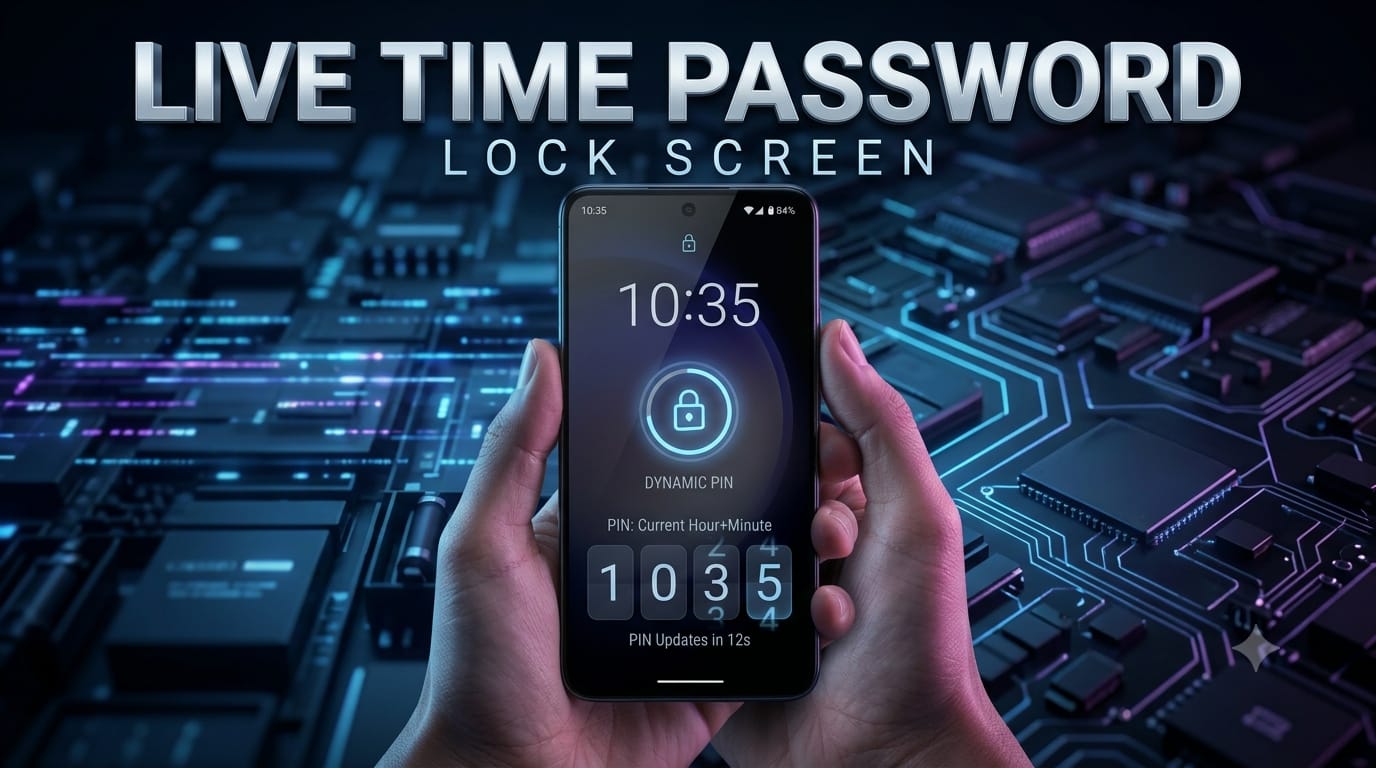
Live Time Password Lock Screen: The Coolest Way to Lock Your Android
Your lock screen password changes every minute — and that’s what makes a Live Time Password Lock Screen so interesting. Instead of entering the same PIN every day, your phone can use the current time as a changing unlock code, depending on the app you use.
This guide explains what a live time password lock screen is, how it works, why people use it, how to set it up, which apps to consider, and how it compares with a traditional PIN.
What Is a Live Time Password Lock Screen?
A Live Time Password Lock Screen is a security feature where the unlock code is based on the current time. For example, if the time is 10:35, an app might use 1035 as the unlock code, or it may apply a different formula depending on its settings.
The main idea is that the code changes as the time changes. This can make a previously observed code less useful later because it may no longer be valid.
Some apps use the current time directly, while others apply a pattern or calculation to the time digits. The exact method depends on the particular app or feature, so check how the selected app generates its code before relying on it.
How Does a Time-Based Password Lock Work?
The concept is relatively simple. A compatible app reads the device’s current time and converts it into a numeric or pattern-based unlock code.
- The app reads the device’s clock.
- The current time is converted into a password or pattern.
- The password changes automatically as the time changes.
- You enter the current time or the app’s specified formula to unlock the phone.
For example, an app could use 2:47 PM as 1447 when using a 24-hour format. Other apps may modify the digits according to their own formula.
Why Use a Live Time Password Lock Screen?
- Always-changing code: The unlock code can change over time rather than remaining static.
- Easy to remember: You can base the code on the current time instead of memorizing a separate PIN.
- Unique experience: It gives your Android lock screen a different and interesting security feature.
- Less code reuse: Someone who sees a time-based code may not be able to reuse it after the code changes.
However, a live time password is not automatically more secure than a strong randomized PIN. Its main advantage is that the code changes rather than remaining the same.
Key Features to Look For in a Live Time Password App
- Reliability: The app should work consistently without frequent crashes or lock-screen problems.
- Customization: Look for options to adjust the time format, display style, or password formula.
- Reasonable Permissions: Only grant permissions that are genuinely required by the app.
- Positive Reviews: Check recent Google Play Store reviews before installing.
- Battery Efficiency: Choose an app that does not noticeably increase battery consumption.
How to Set Up a Live Time Password Lock Screen on Android
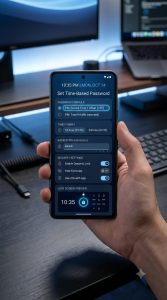
Most Android phones do not offer a time-based password lock screen as a built-in feature. In many cases, you’ll need a compatible third-party app to create this type of lock screen.
- Open the Google Play Store on your Android device.
- Search for a reputable live time password or time-based lock screen app.
- Check the app’s recent reviews, developer information, compatibility, and requested permissions.
- Download and install the app that best matches your needs.
- Open the app and follow its on-screen setup instructions.
- Configure the time format or password formula offered by the app.
- Set the time-based lock screen as your active lock method if the app supports this feature.
- Grant only the permissions that are necessary for the app to function.
- Lock your phone and test the unlock process using the current time or the app’s specified formula.
Before relying on the feature, make sure you understand the app’s backup unlock method. A backup PIN, pattern, or recovery option can be important if the app stops working after an Android update.
Best Apps for Live Time Password Lock Screens
Several Android apps may offer time-based or dynamic lock-screen features. Availability and functionality can change depending on the Android version, phone manufacturer, and app updates.
Time Password – Lock Screen
This type of app is designed around the idea of using the current time as an unlock code. It can be appealing to users who want a simple changing-password concept.
Live Time Lock Screen
Apps with this name or similar functionality focus on combining a live clock display with a time-based unlocking mechanism. Check the current Play Store listing carefully because features can vary between versions.
AppLock
Some AppLock applications provide additional security features alongside app locking. If a particular version offers time-based unlocking, review its current feature list and permissions before using it.
Important: Always check recent reviews, developer information, permissions, and Android compatibility before installing a lock-screen application. App names and features can change over time.
Live Time Password vs Traditional PIN
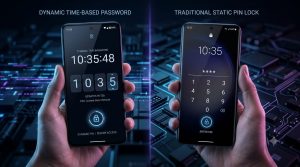
| Feature | Live Time Password | Traditional PIN |
|---|---|---|
| Password Changes Automatically | Yes | No |
| Easy to Remember | Usually, because it is based on time | Depends on the PIN |
| Built Into Android | Usually No | Yes |
| Resistance to Reusing a Seen Code | Higher if the code changes frequently | Depends on the PIN |
| Works on Every Android Phone | No, app compatibility varies | Yes |
| Security Compared With a Strong Random PIN | Not automatically stronger | Can be very strong |
Common Problems and Solutions
The App Isn’t Working After an Android Update
Solution: Check the Google Play Store for an updated version of the app. Android system updates can sometimes affect how third-party lock-screen applications work.
Battery Is Draining Faster Than Usual
Solution: Open your Android battery settings and check how much power the lock-screen app is using. If consumption is unusually high, try another compatible app.
I Forgot the Time Formula
Solution: Check whether the app provides a hint or backup unlock method. Set up a secondary PIN, pattern, or recovery option during installation whenever the app supports one.
The App Isn’t Compatible With My Phone
Solution: Compatibility can vary between Android versions and manufacturers. Check the app’s Play Store requirements or try another reputable app that supports your device.
Safety and Privacy Considerations
A lock-screen app can have access to sensitive parts of your phone, so it’s important to choose one carefully.
- Download apps from the official Google Play Store whenever possible.
- Review the permissions before granting access.
- Avoid apps requesting unrelated permissions such as contacts or camera access without a clear reason.
- Set up a backup unlock method if the app provides one.
- Keep the app and Android system updated.
- Monitor battery usage after installing a third-party lock-screen app.
A Live Time Password Lock Screen can be an interesting security feature, but it should be used alongside sensible security habits rather than treated as automatically safer than every traditional PIN.
Frequently Asked Questions
Can every Android phone use a Live Time Password Lock Screen?
No. Most Android phones do not provide this feature natively. You may need a compatible third-party app, and support can vary depending on your phone model and Android version.
Is a live time password more secure than a regular PIN?
Not necessarily. A changing time-based code can reduce the usefulness of a previously seen code, but a strong randomized PIN can also provide excellent security. The actual protection depends on how the feature is implemented.
What happens if I forget the time formula?
It depends on the app. Some provide a backup PIN, pattern, or another recovery option. Always configure a backup method before relying on the time-based lock.
Will a Live Time Password Lock Screen drain my battery?
It can, depending on how the app operates in the background. Check your phone’s battery settings after installation and switch to another app if you notice significant battery consumption.
Is it safe to give a lock-screen app access to my phone?
It depends on the app and the permissions it requests. Download from trusted sources, read recent reviews, check the developer, and only grant permissions that are necessary for the advertised features.
Final Verdict: Is a Live Time Password Lock Screen Right for You?
A Live Time Password Lock Screen is an interesting option for Android users who want something different from a traditional static PIN. Its changing-code concept can make the lock screen feel more dynamic while reducing the usefulness of a password that someone may have seen you enter earlier.
However, it isn’t automatically more secure than a strong traditional PIN or password. Compatibility can also vary because most Android phones don’t include this feature natively and third-party apps may work differently across devices.
If you enjoy experimenting with Android customization and want a changing unlock code, a reputable time-based lock screen app may be worth trying. Just check compatibility, permissions, battery usage, and backup recovery options before making it your primary lock method.
For users who prefer maximum simplicity and dependable built-in security, the standard Android PIN, password, or biometric options remain the safer and more straightforward choice.